



We offer a variety of services
Including video digitizing, photo scanning, photo books, photo restoration, and photo slideshows.
CLICK HERE

Welcome to Life’s Sweet
Photo scanning, photo restoration, custom photo books, video
digitization and photo slideshows in Denver, Colorado
At Life’s Sweet, our passion is helping our clients restore, preserve, and relive precious memories. We make it easy by doing all the work right here in Denver, Colorado. Contact us online or call us at 303-815-1930 to schedule your FREE 1-hour consultation!
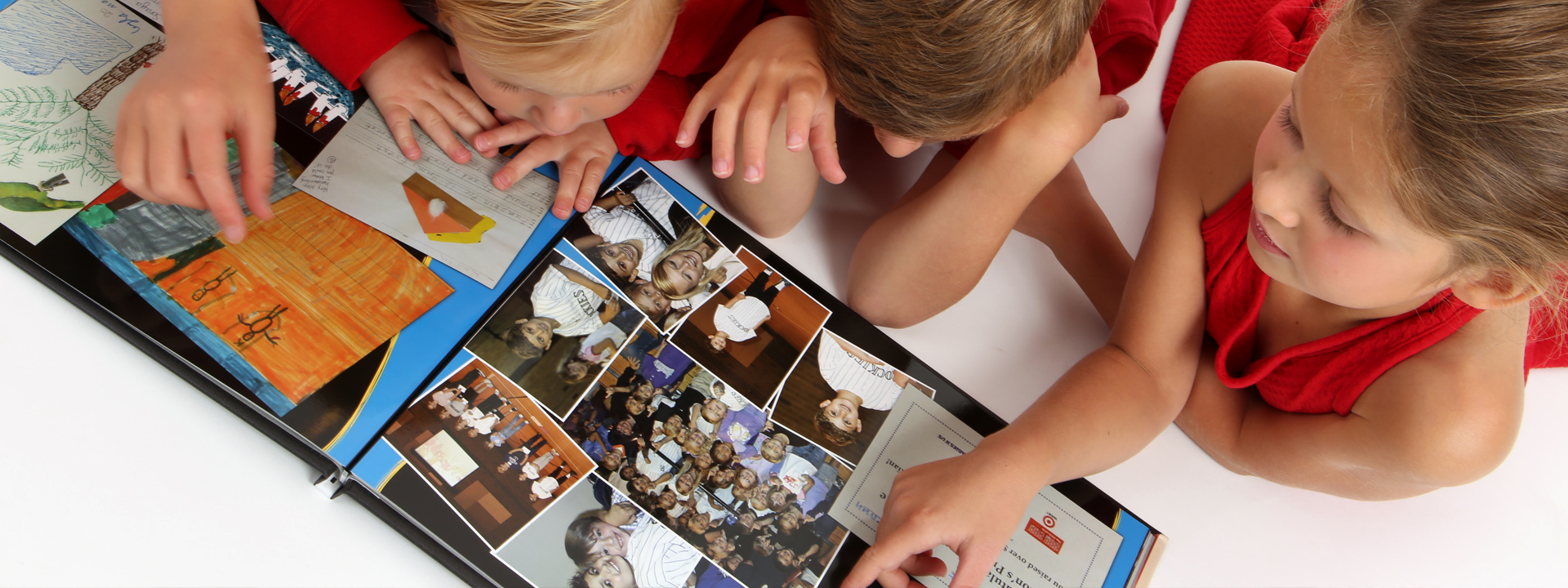
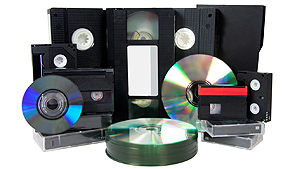
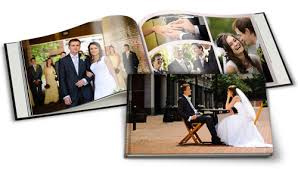
Since 2005, Life’s Sweet has helped thousands of clients in the Denver Metro Area and nationwide by providing an array of services including designing high quality custom photo books that celebrate family legacy, a child’s milestones, travel, careers and lives, transferring video to DVD so that it is preserved and more accessible, and organizing and digitizing photos and old photo albums so that they are more easily searched and viewed later in life and by future generations.
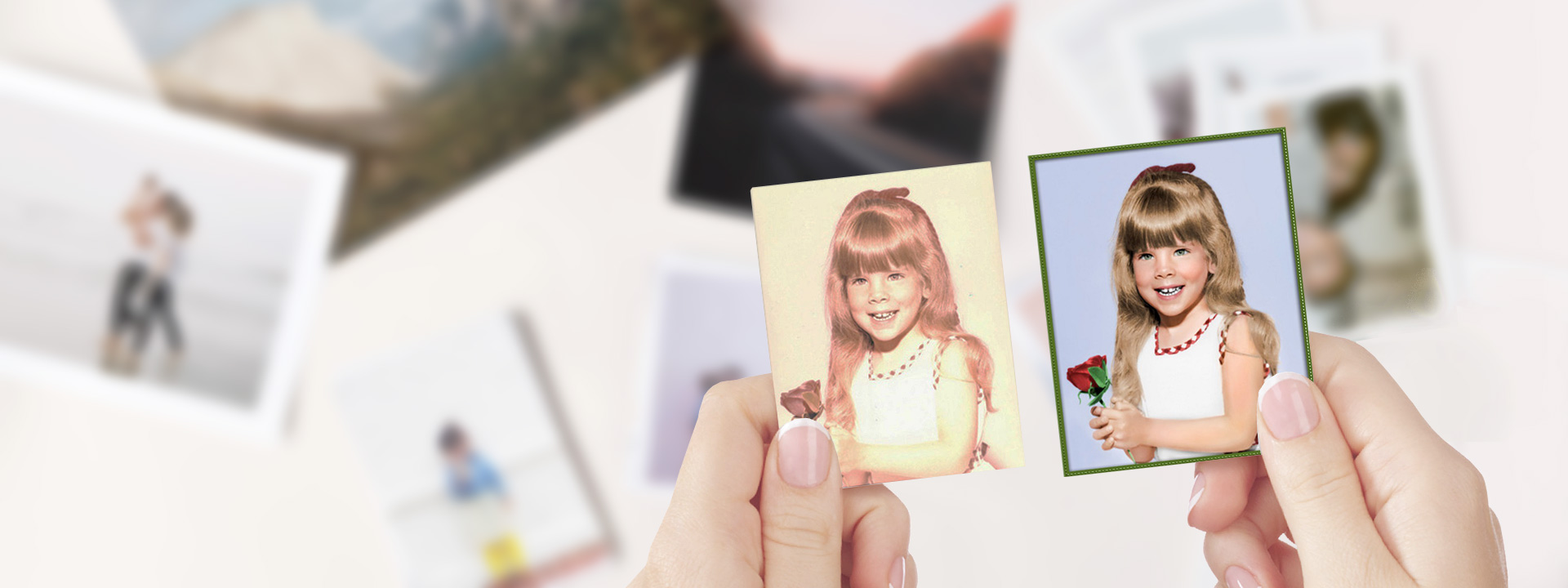
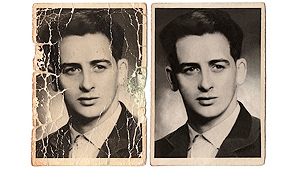
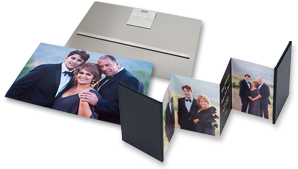
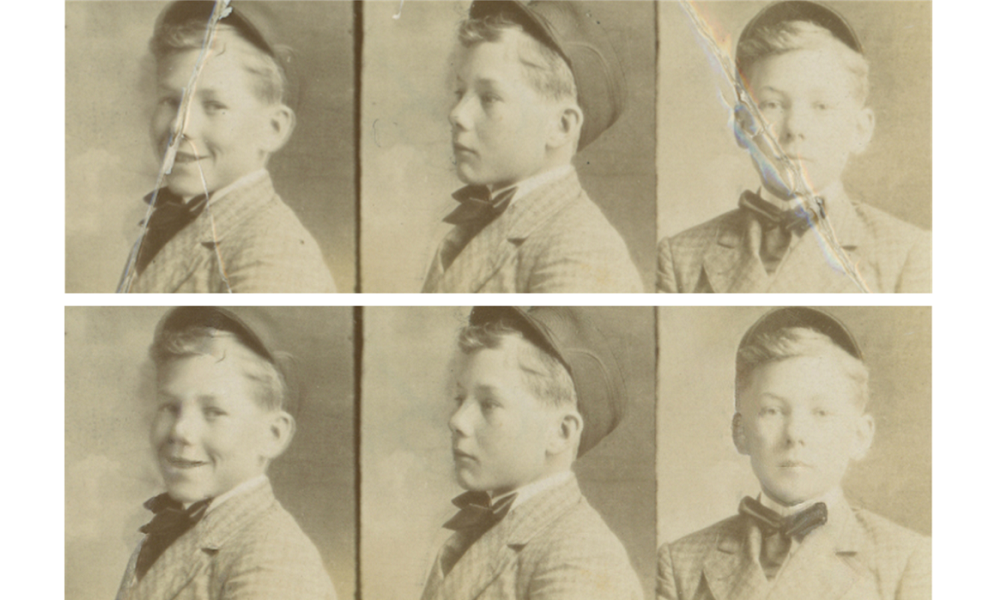
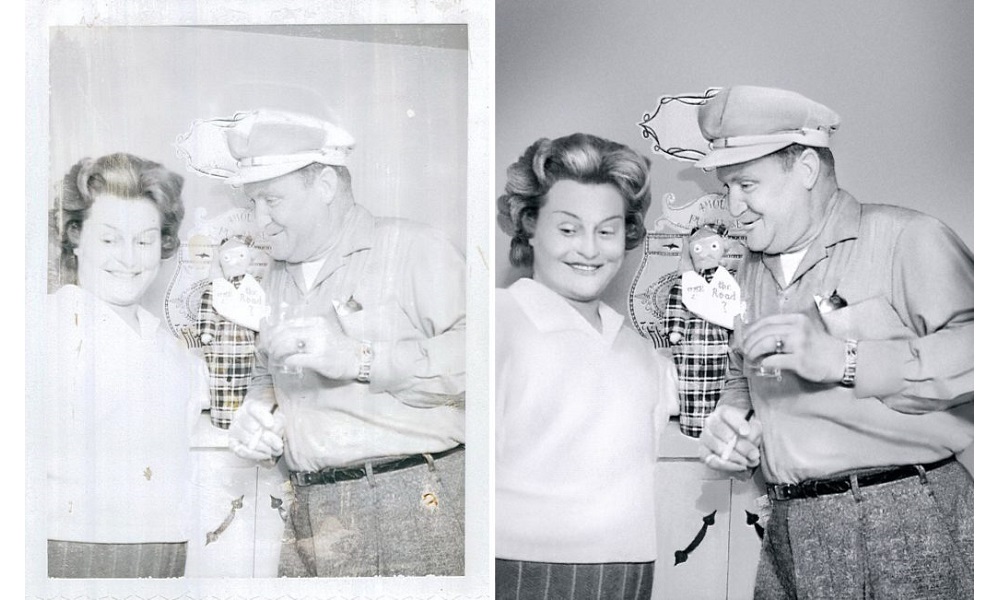
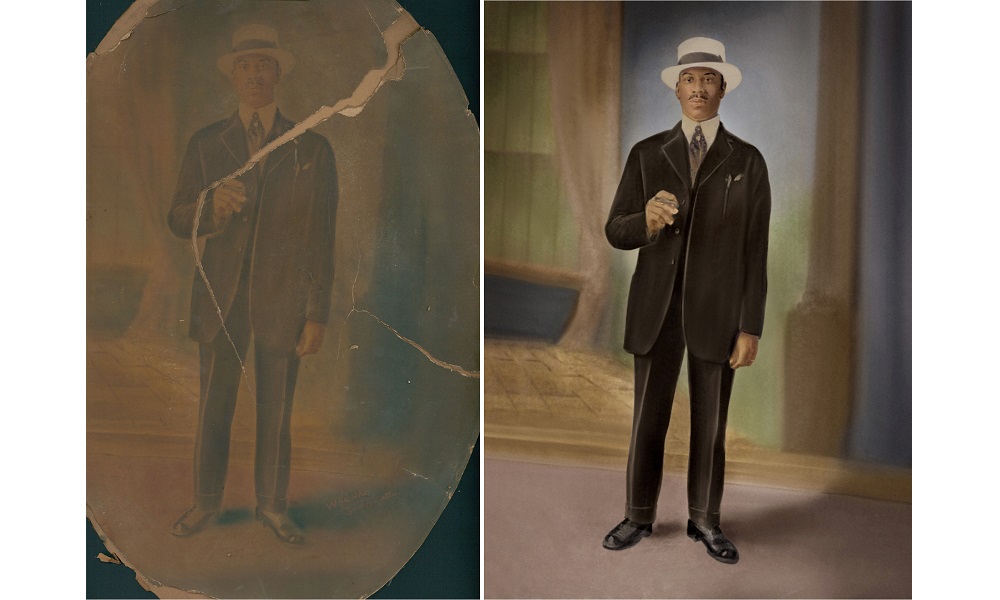
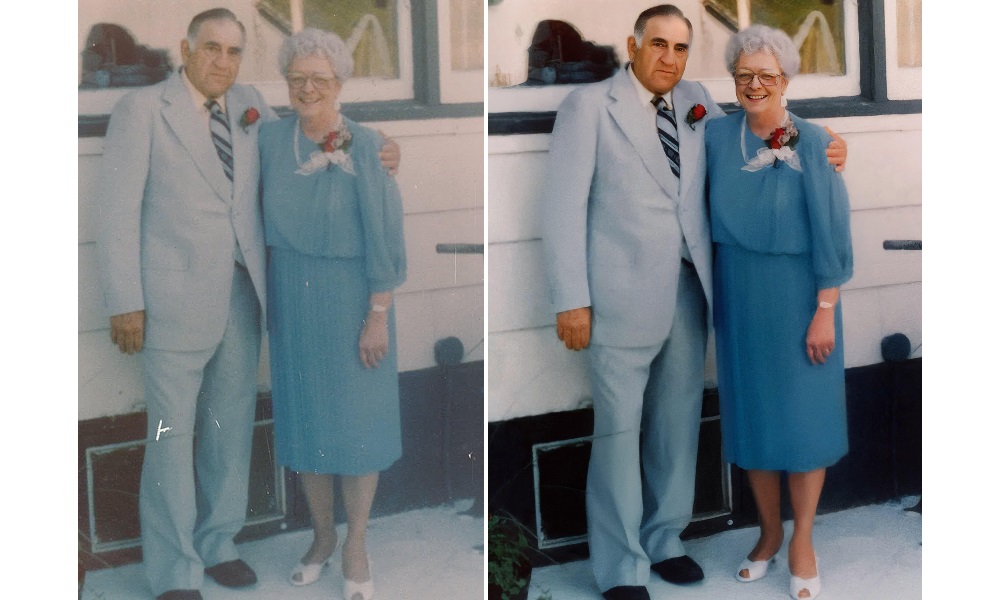
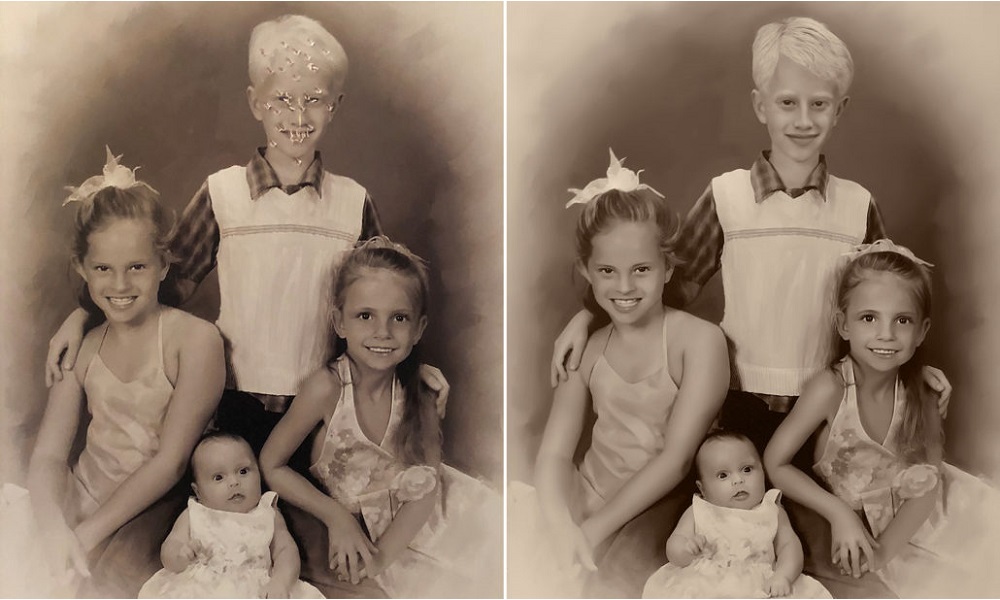
Life’s Sweet will also digitally restore old or damaged photos to bring back their original beauty and create unique photo slideshows and photo-embedded products that can be given as gifts to friends and loved ones.


Portfolio
Don’t just take our word for it. Take a look at some of our work below, and click here to read our testimonials.
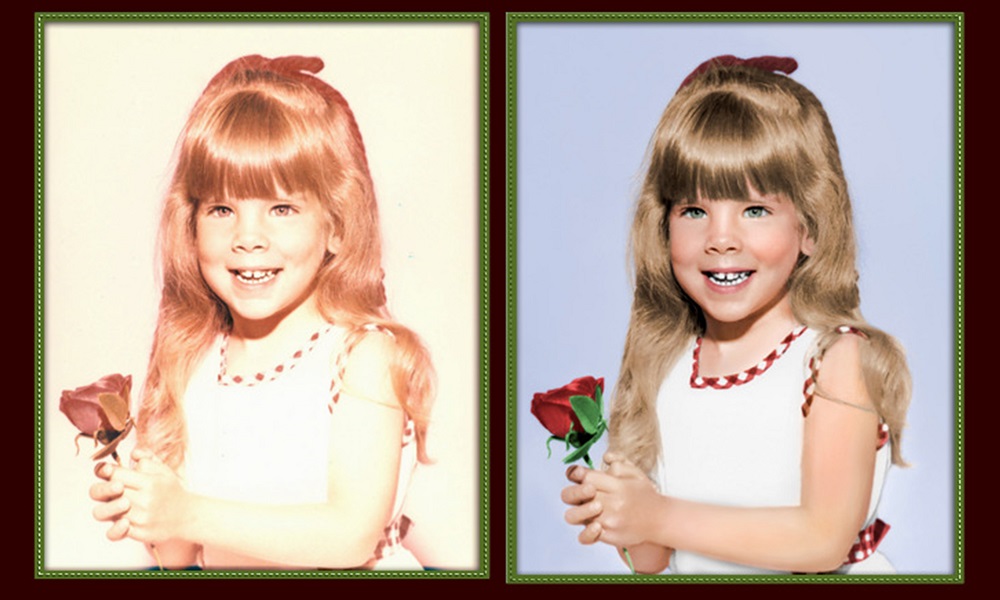
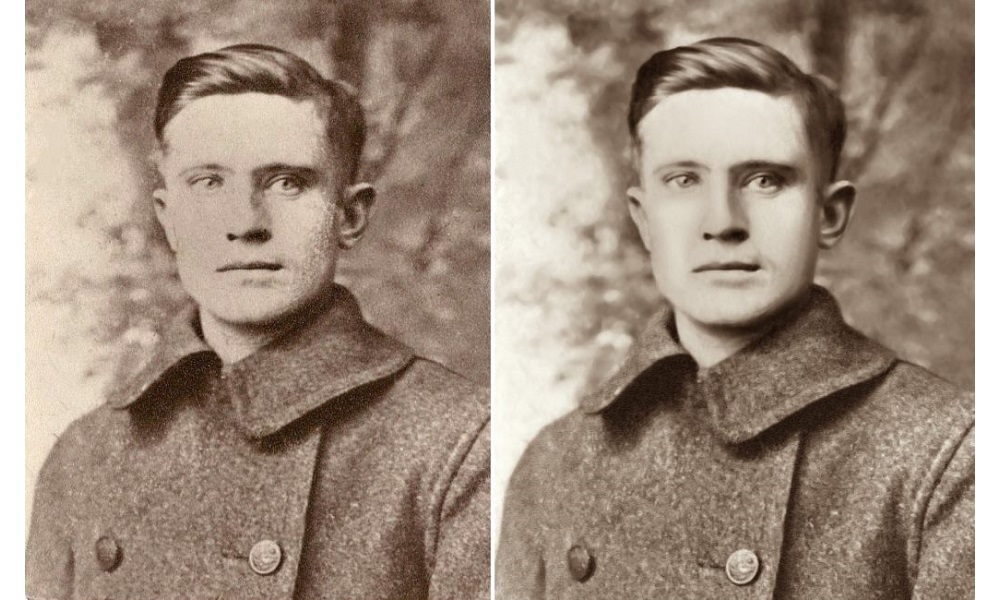
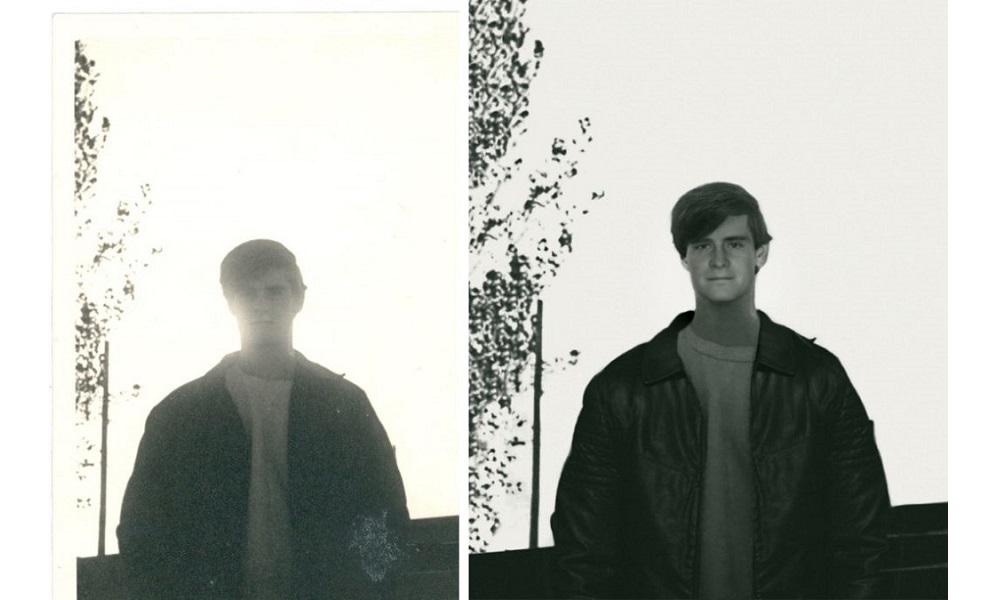
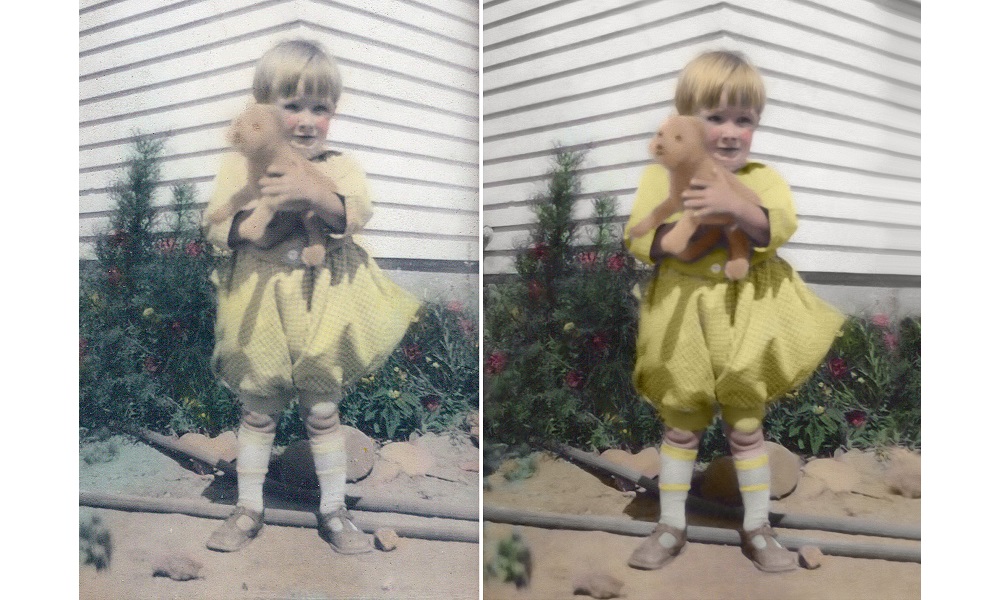
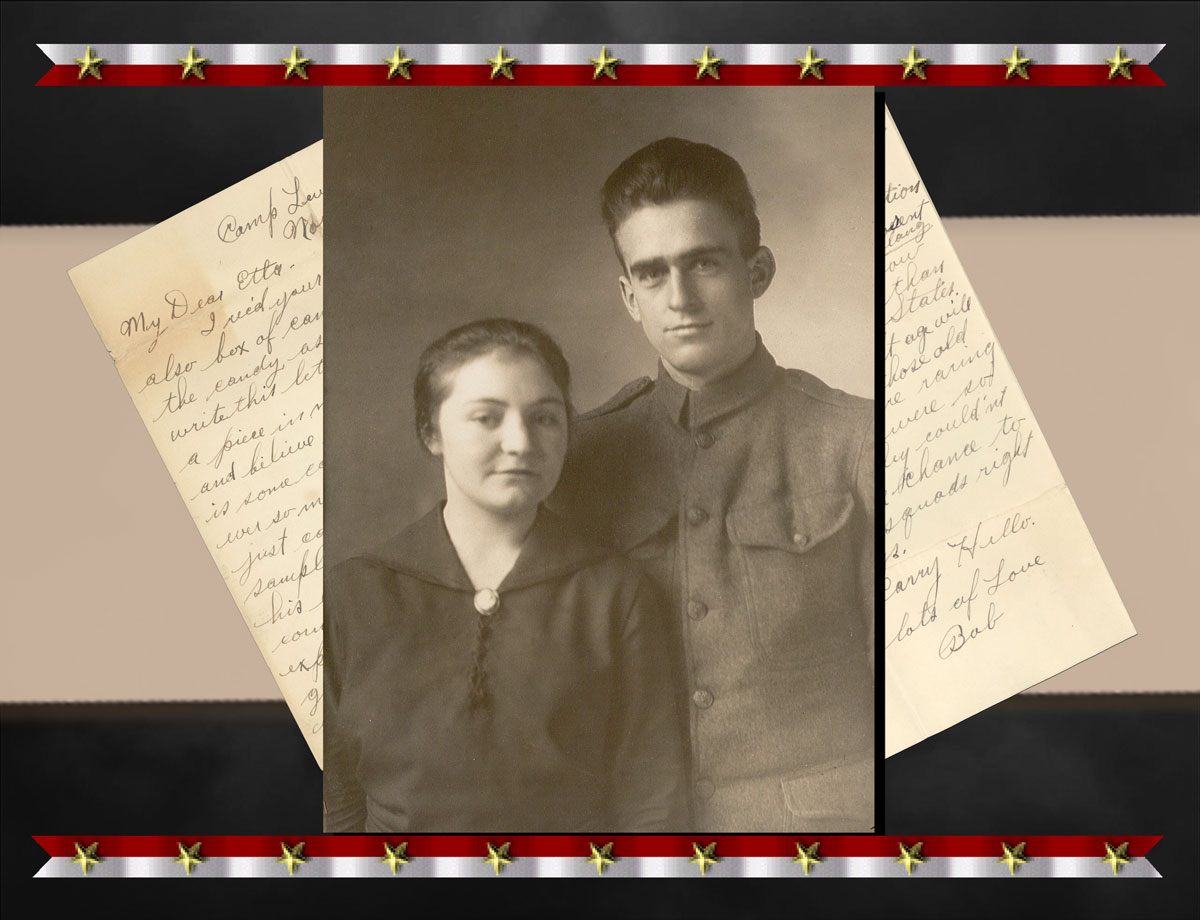
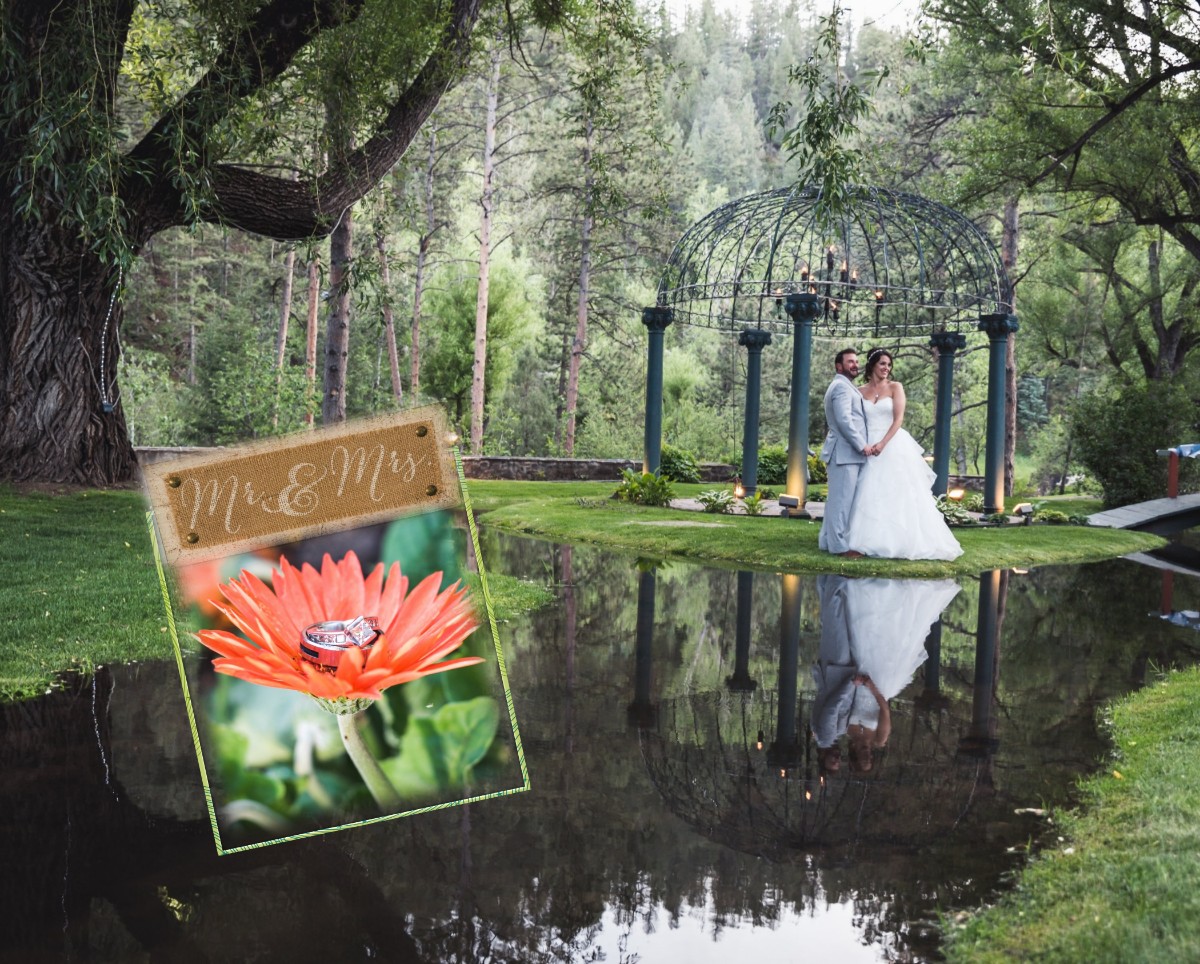
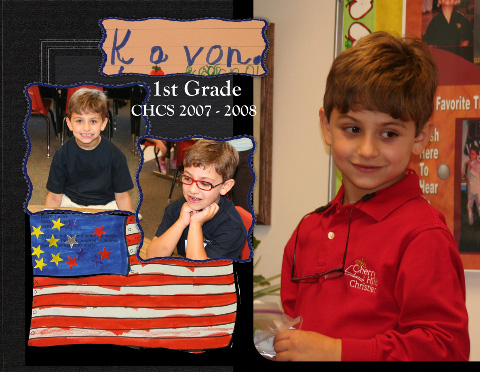
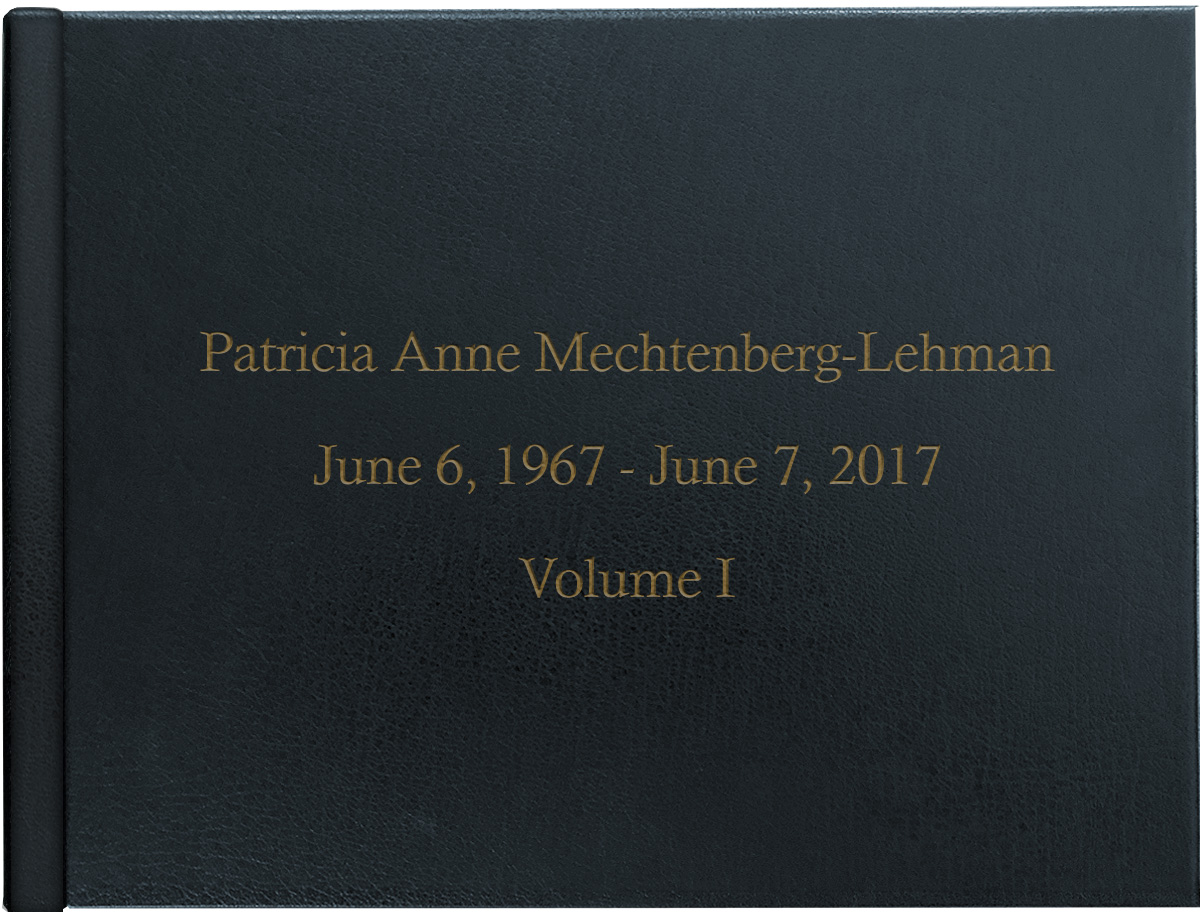

Life is sweet, so print it!
WHY CHOOSE LIFE’S SWEET?
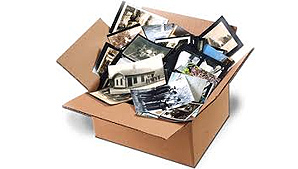
We’re different. We are a local business with a passion for preserving memories and a big heart for storytelling and creation, unlike those big-box stores. With unparalleled quality and impeccable customer service, we preserve photos and videos to stand the test of time. We believe the best memories aren’t meant to be trapped in bins and boxes or fade away on the “cloud”—they’re meant to be preserved, cherished and most importantly shared with generations to come.
We strive every day to help people create products that are worthy of the memories that matter most to them, whether it’s a gorgeous custom photo book, photo restoration, Video-to-DVD transfer, scanning of old photos or slides, or a Tribute DVD. If you can think it, we can create it.
Think of us as your “memory concierge” and let us take care of you, whether you are near us in Denver or far away.
Preserve your past. You’ll be glad you did.
Providing Services Throughout Denver and Nationwide
Life’s Sweet provides photo scanning, photo restoration, custom photo book, and video digitization services throughout the Denver Metro Area and nationwide, including Lone Tree, Greenwood Village, Cherry Hills Village, Highlands Ranch, Castle Rock, Littleton, Denver Tech Center, Centennial, Parker, Aurora, Englewood, Arvada, Golden, Lakewood, and Denver, Colorado.